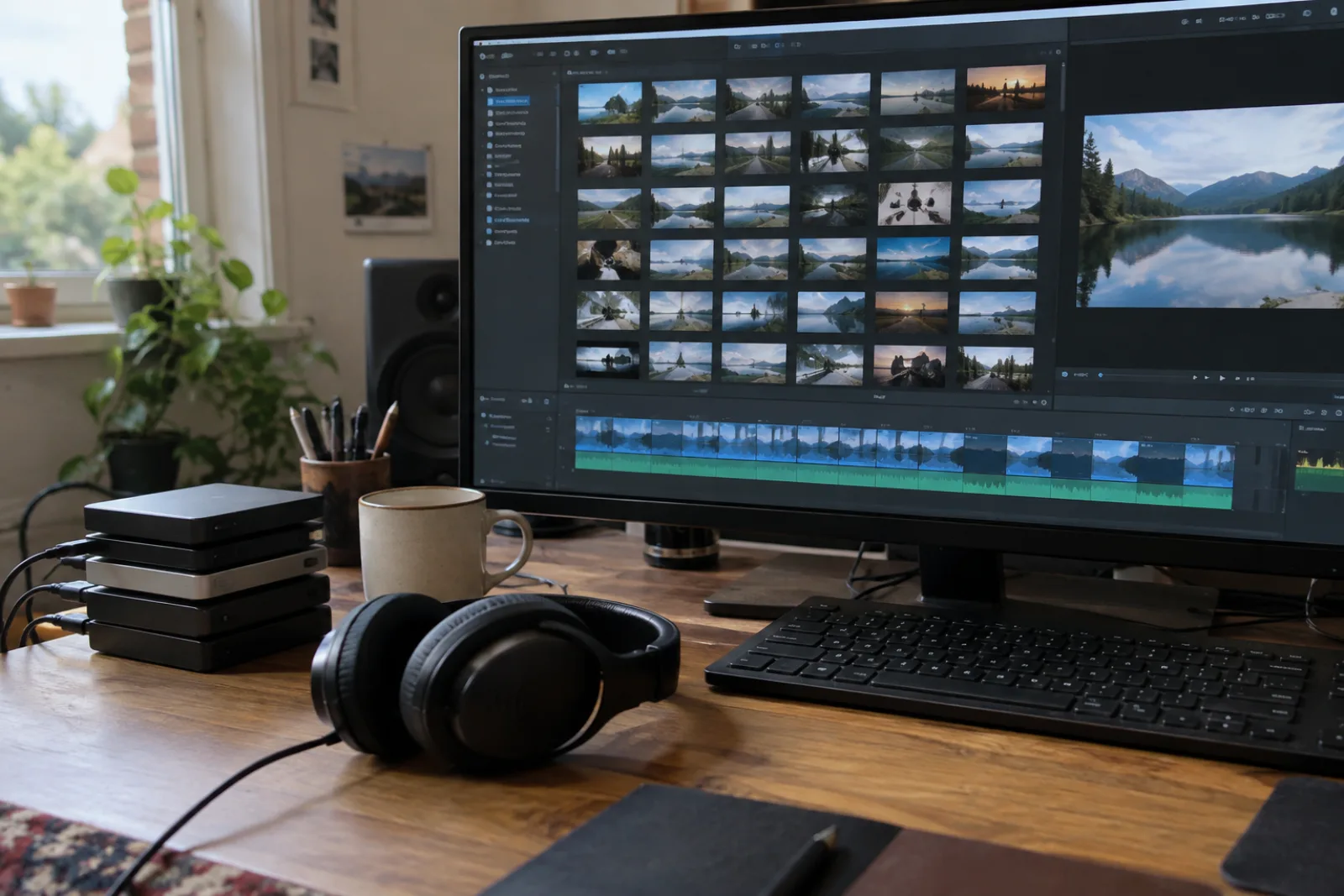
From 15 Minutes of Hand-Editing to 100+ Videos a Day
The full evolution of a YouTube content pipeline: script generation, batch image creation, SRT translation, and rendering at a scale where one human had to stop being the bottleneck.
Our YouTube operation started the way most do: one person, one channel, a script, some slides, a lot of hand-editing. Each video cost about fifteen minutes of manual work in the middle — aligning subtitles, picking images, tweaking timestamps. At that rate one person can manage roughly four videos an hour, and only if nothing breaks.
Today the system produces over a hundred videos a day across a fleet of channels, and the humans mostly configure instead of edit. This is how that pipeline evolved, stage by stage — and where each stage's bottleneck turned out to be.
Stage 1: Script + prompt generation
The first automation wasn't rendering at all — it was writing. An agent takes a title direction ("write a news-style script about X") and produces the full narration, broken into segments. Each segment gets an image prompt. This was the easiest win and the one that unlocked everything else: once the script exists as data, everything downstream can operate on it.
Bottleneck found: the script quality gates everything. Garbage in, garbage out, but now at 100x speed. The fix was an agent skill that re-verifies generated content before it moves on — a QA pass in the pipeline instead of a human proofread.
Stage 2: Batch image generation
Each segment's prompt needs an image. We generate them in batches through an image model — sometimes a hundred images per video run. This is where the first real constraint appeared: rate limits. One account is limited to roughly a video's worth of images every few days. The workaround is account management — rotating through accounts and juggling quota instead of hammering one.
Bottleneck found: rate limits, not GPU. The thing that capped us wasn't compute, it was how many images one account can produce per day. That's a supply-chain problem, not a rendering problem.
Stage 3: SRT matching — the silent failure
The narration and the images need to line up. The pipeline builds a queue of image prompts and matches it against the SRT subtitle file, so image N plays during subtitle N. For English, this matched almost perfectly.
Then we ran it in Vietnamese and the whole thing quietly broke — the SRT came back truncated or missing words, the matcher couldn't find the segment, and images drifted out of sync with the narration. It didn't crash; it just produced subtly wrong videos.
Bottleneck found: silent data corruption. The worst kind, because nobody notices until a human watches the output. The fix was a verification step that re-checks the SRT after generation — fail the stage before it reaches the renderer, not after.
Stage 4: SRT translation without losing lines
Localization added a new twist. Translating a 300-line SRT with a plain LLM call drops lines — you ask for a translation and get back 296 timestamps. The 4 missing lines silently desynchronize the whole video, and every subtitle after the gap is shifted.
A plain translate-and-hope approach can't work at scale, so we built a dedicated agent flow whose whole job is: translate the SRT, keep the exact same timestamp structure, verify line count and timing before returning. One step, zero dropped lines.
Bottleneck found: the LLM doesn't treat "return exactly N lines" as a hard constraint. You have to verify structure, not just content — and verification belongs in the pipeline, not in a human eyeballing the file.
Stage 5: Rendering, transitions, overlays
The renderer stitches slides and narration into video: hard cuts by default, 1–2 seconds per image. Then came the polish: smooth transitions between slides (nothing worse than a jumpy cuts slideshow), and transparent overlay effects — drifting smoke, dust, falling leaves — pulled from a library of a dozen pre-made transparent videos, layered on top of the slides via drag-and-drop.
The overlay trick is worth calling out: rather than trying to generate effects in the renderer, we pre-made a small library of transparent video layers and composite them in. That's the same pattern as green-screening in old video editors — reuse the effect, vary the source.
Bottleneck found: server load. Each transparent layer is another video stream to composite. Rendering the whole fleet means keeping the GPU boxes busy but not saturated — a resource-balancing problem that showed up the moment we had more than a few channels.
Stage 6: Thumbnails, automatically
Finally, the thumbnail — the one piece everyone hand-touches. We route it through an image model that takes the translated title and redraws the text overlay on the existing thumbnail, so a video translated into Japanese or Korean gets a thumbnail in that language without a designer in the loop.
Where it lands
The endpoint: one operator pastes a channel link and configures it once; the system runs 24/7 from there. A single human can now supervise a fleet that would have taken a small team of editors to keep up with — and the fleet is what makes the economics work: a hundred channels each producing a modest, safe revenue beats one channel chasing a hit.
The recurring lesson across every stage was the same: automation doesn't remove bottlenecks, it moves them. Script quality, image rate limits, silent SRT corruption, dropped translation lines, render load — every stage had a new constraint, and every stage needed its own verification. The pipeline isn't "do everything automatically." It's "every stage verifies the stage before it," running fast enough that the humans only step in when something fails loudly.